.svg)
The useful part is guest self-serve access
Hosts want a guest to reach and unlock the car without a physical meeting. Guestpass provides that host-managed access surface while leaving verification and marketplace compliance with the host.
Turo Go alternative
Levy Guestpass gives hosts time-gated guest unlock links, ID gates, fallback instructions, and audit logs without claiming an official Turo integration.
Give verified guests a Turo Go-style self-serve access experience while keeping the host in control of ID verification, trip timing, fallback keys, and audit logs.
Comparison
Searchers are not looking for another generic fleet page. They need a practical answer for remote access, physical-key fallback, verification timing, and support proof.
Hosts want a guest to reach and unlock the car without a physical meeting. Guestpass provides that host-managed access surface while leaving verification and marketplace compliance with the host.
Access sessions are created through Levy Fleets workflows, not by harvesting marketplace reservations or pretending to be an official marketplace API.
Marketplace and provider realities still require a fallback plan. Guestpass keeps RF pouch or lockbox instructions part of the guest pass.
Marketplace operator notes
The strongest positioning is direct: keyless entry, remote check-in, and Turo Go or Getaround Connect alternatives. The implementation still needs verification gates and fallback-key discipline.
This page can say “Turo Go alternative” as comparison language, but the product is Levy Guestpass and should not imply official Turo approval.
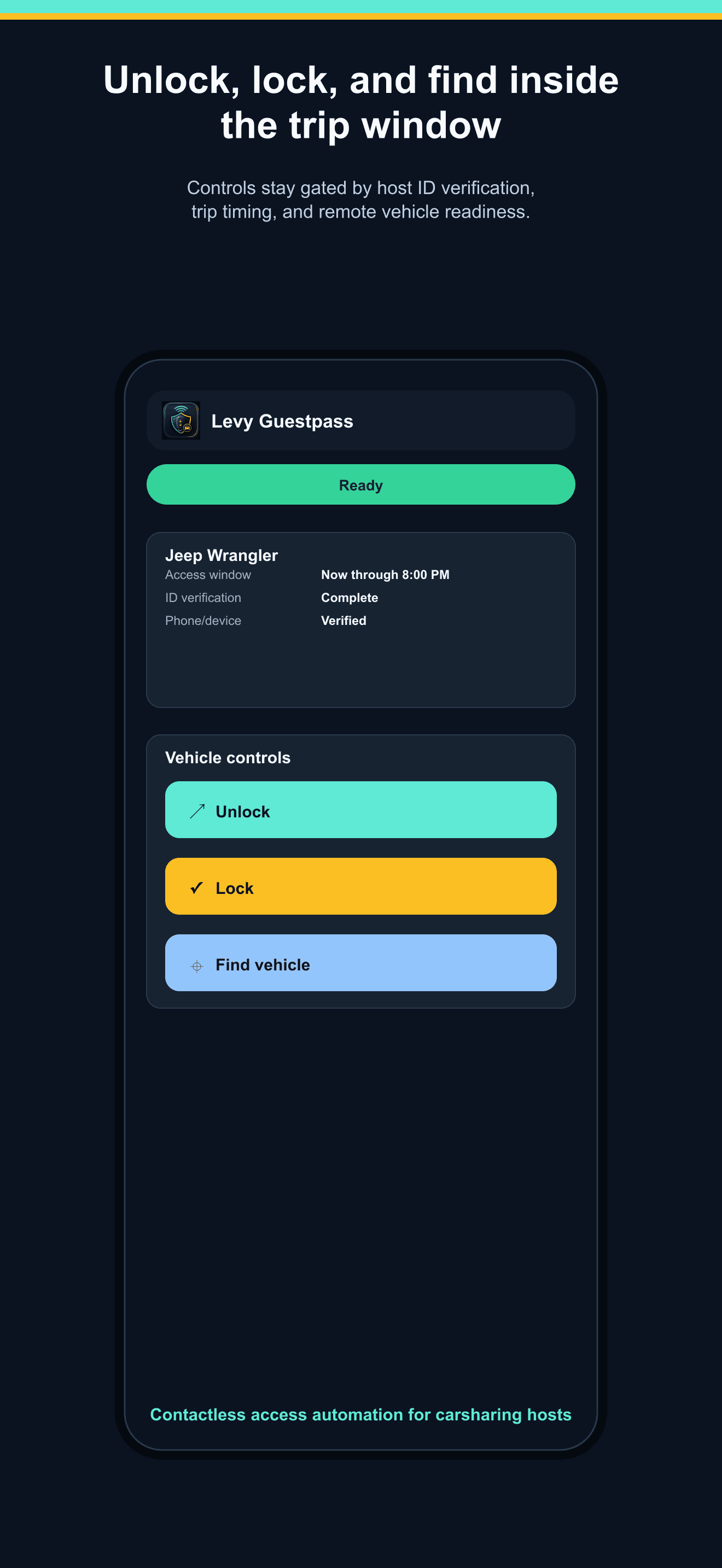
The unlock button remains gated until the host marks ID verification complete, and the page keeps physical-key fallback instructions available.
The same access session model can support Turo trips, direct rentals, replacement rentals, or other carsharing workflows without changing the guest surface.
App screenshots
Mobile web remains the fallback path. The dedicated Guestpass app gives repeat guests a cleaner access surface after app distribution is approved for the host workflow.
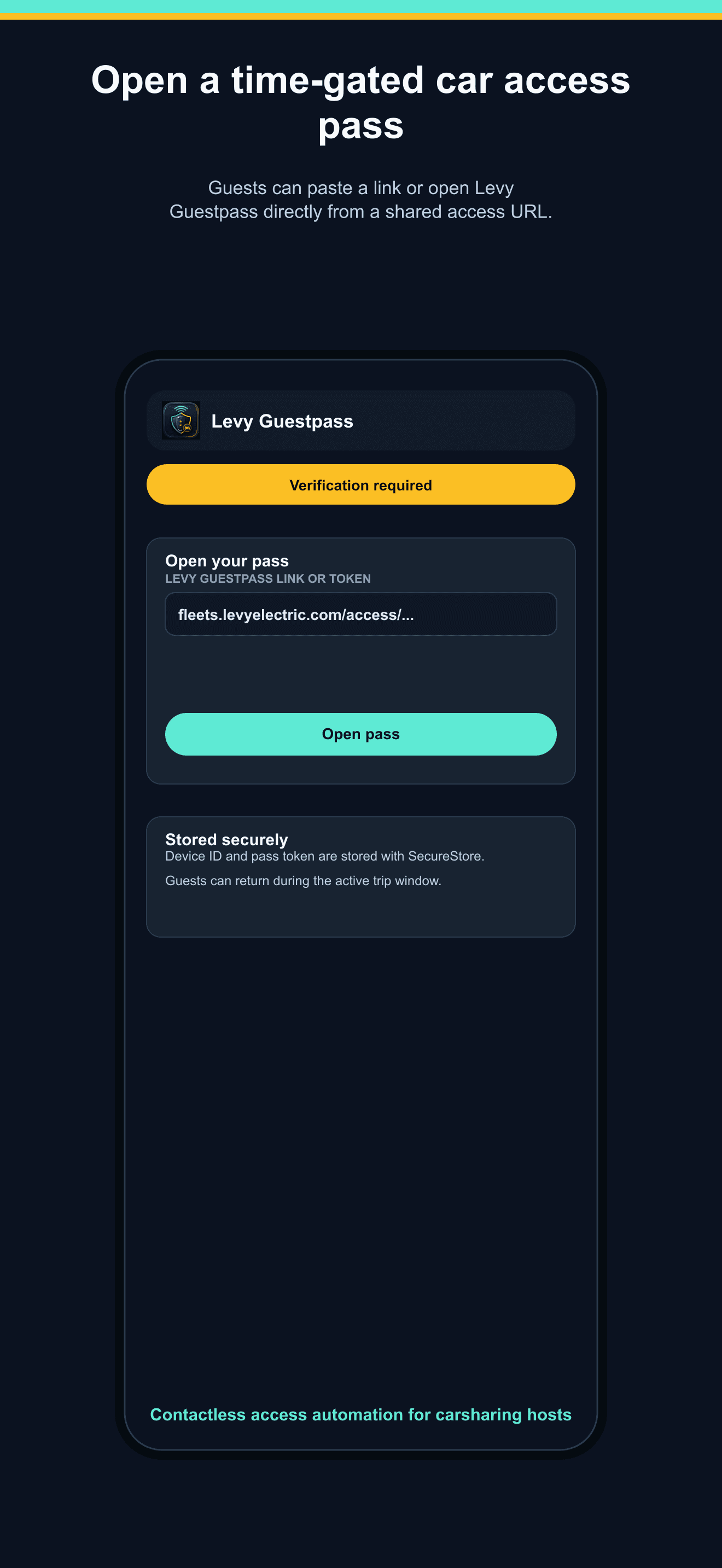
Open pass
Guests first see the vehicle, access status, trip window, and next required verification step.
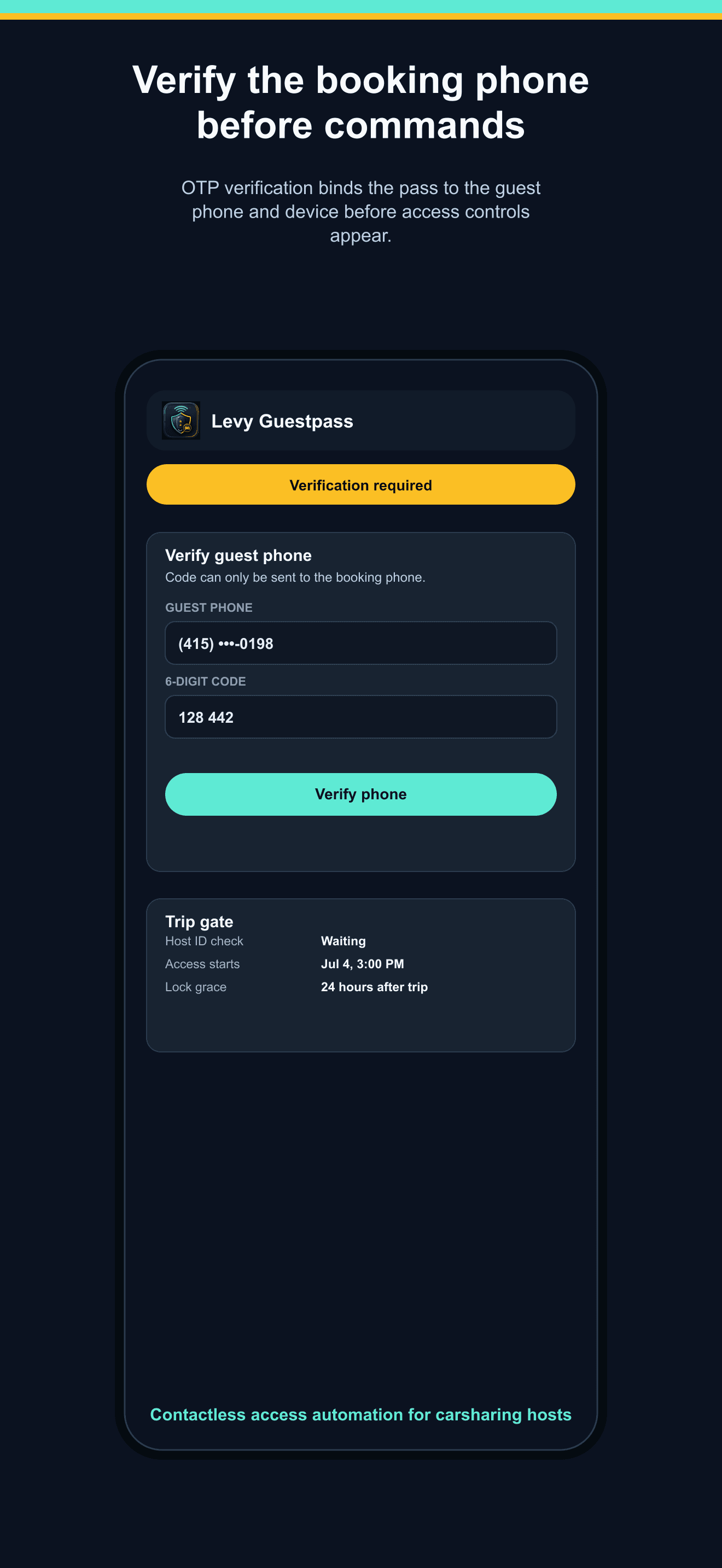
Verify phone
The pass verifies the guest phone number before command access to reduce forwarded-link risk.
Control window
Commands are available only when the host ID gate, phone check, session state, and time window allow them.
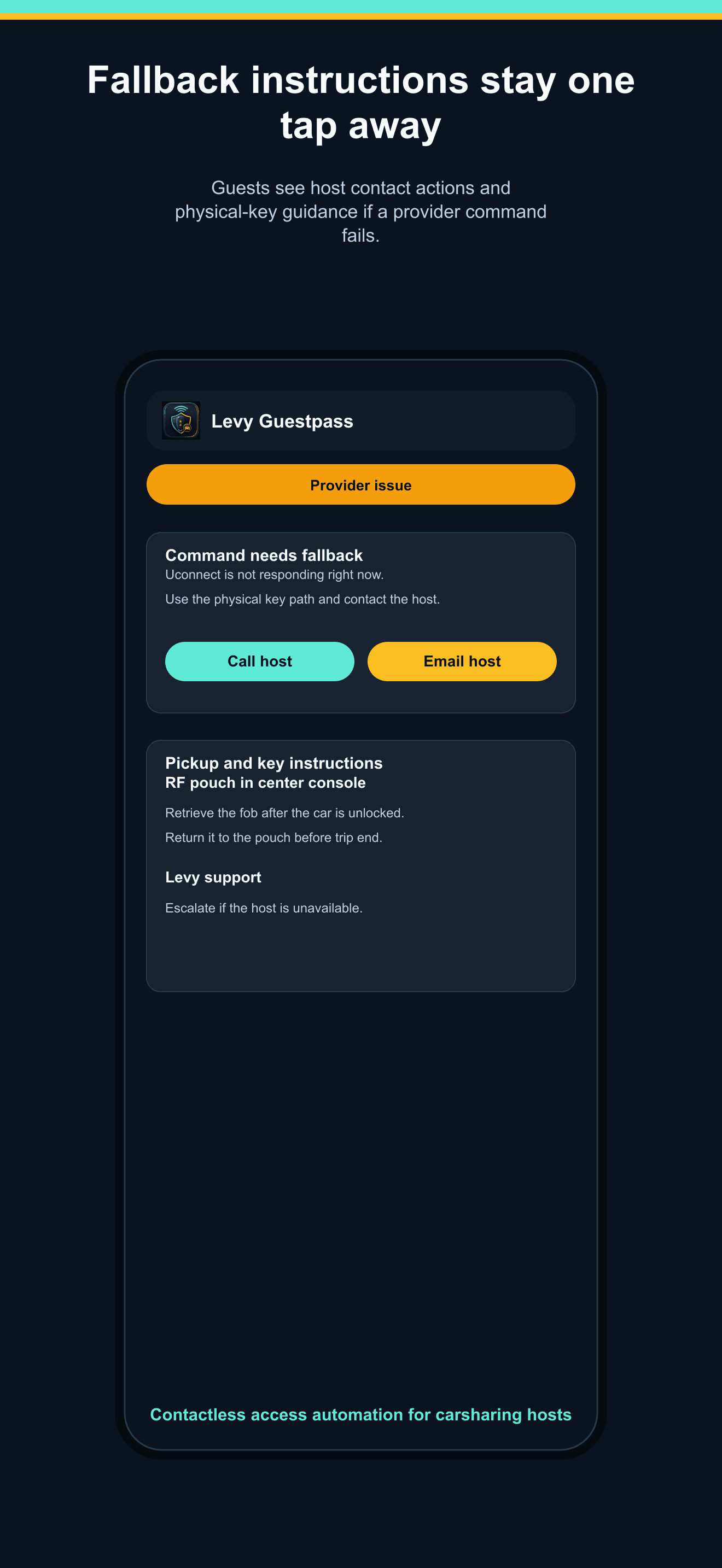
Fallback support
Guests see physical-key instructions and support actions when a provider command cannot be completed.
Safety gates
FAQ
These pages use marketplace comparison language for search clarity. Guestpass remains a host-managed Levy Fleets access workflow.
No. Guestpass is a host-managed access workflow inside Levy Fleets. Hosts create access sessions manually or through authorized Levy workflows instead of scraping marketplace calendars, messages, or guest data.
No. Guestpass keeps command access behind the trip window, phone verification, device signals, session status, and the host-controlled ID verification gate.
No. Supported connected vehicles can reduce manual handoff work, but hosts should still maintain a physical fob or key fallback in an RF pouch or approved lockbox workflow.
The guest sees fallback instructions and support actions, while the host can review command status, provider response, timestamp, verification state, and any revoke or retry activity.
Reference points
Tell us how your vehicles are accessed today. We will map the right Guestpass pilot, provider setup, and fallback workflow.
Side-by-side breakdowns with pricing, features, and honest notes on where each alternative is the better fit.