How to Use the BLE App
The Segway BLE (Bluetooth Low Energy) app allows operators to communicate directly with scooters over Bluetooth. It is the primary tool for entering/exiting Transport Mode and performing local operations when the IoT connection is unavailable.
Prerequisites and Installation
To install the BLE app, you need to obtain the installation APK file from Segway. Contact your Segway support representative for the file.
If you received the file via WeChat: You may need to rename the file before installing. Contact Segway for renaming instructions.
If you downloaded the APK from the Segway ticketing system: Tap the downloaded file to install directly.
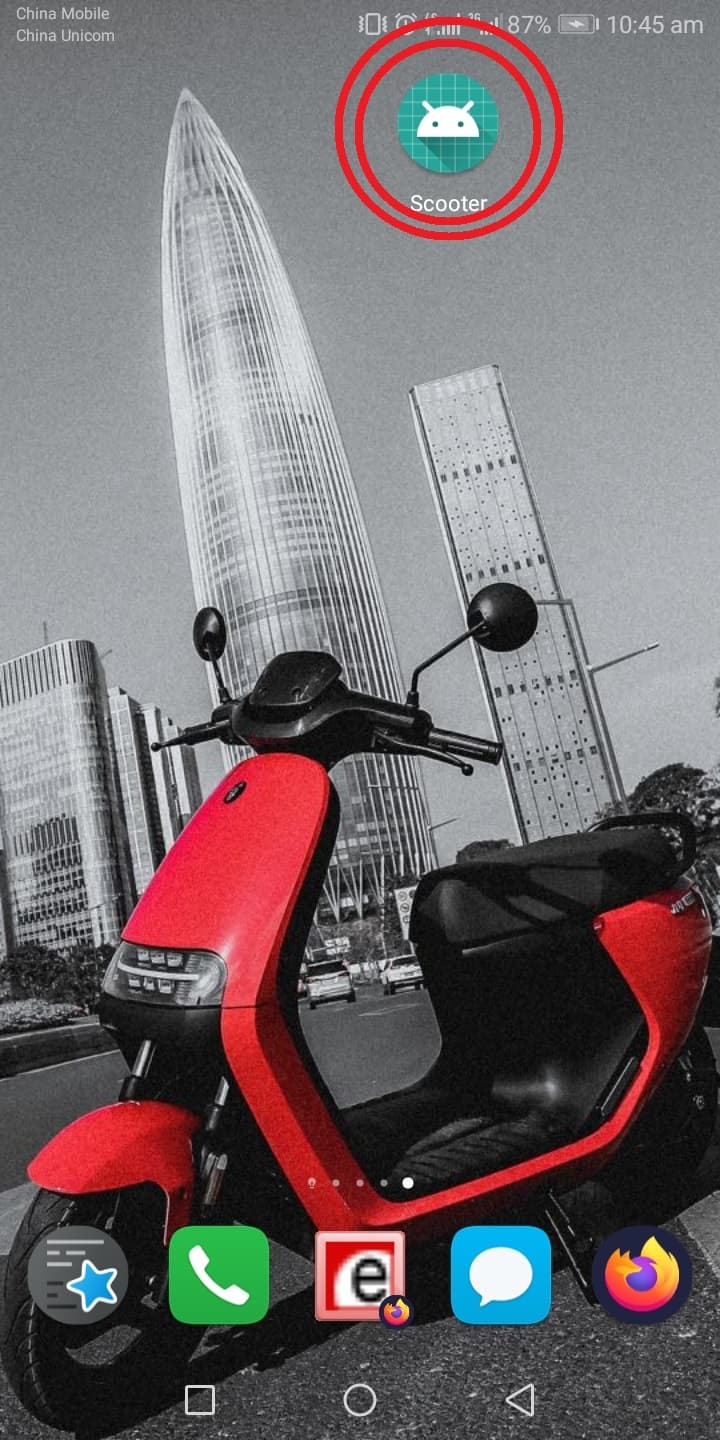
After installation, you will see an app named Scooter in your app list.
Required Phone Settings
Before using the app, ensure:
- Location services are turned ON (required for Bluetooth scanning on Android)
- Bluetooth is turned ON
- The Scooter app has permissions for Storage and Location
Connecting to a Scooter
- Open the Scooter app
- The app will scan for nearby scooters via Bluetooth
- Tap the scooter you want to connect to (identified by its Bluetooth name, usually the last digits of the serial number)
- The app will connect and show the scooter's current status
Available Operations
Once connected, you can:
- Enter/Exit Transport Mode - Essential for shipping and storage management
- Lock/Unlock - Send lock/unlock commands locally via Bluetooth
- Check status - View battery level, firmware version, and error codes
- Update firmware - Push firmware updates via Bluetooth (BLE update)
Troubleshooting BLE Connection
Can't find the scooter:
- Ensure you are within 5-10 meters of the scooter
- Verify the scooter is powered on (or has battery)
- Restart Bluetooth on your phone and try again
Connection drops frequently:
- Move closer to the scooter
- Other Bluetooth devices nearby can cause interference
App crashes or won't open:
- Verify the app has Location and Storage permissions in phone settings
- Try reinstalling the app