Scooter QR Code on the Handle Bar
Purpose
The QR code on the scooter's handlebar serves two functions:
- Unlock: Allows riders to scan and unlock the scooter with the rider app
- App download: Directs users to download the rider app if they scan with a general camera app
Software Users vs. API Users
- Software users (Segway Pass / Rent Pass): Use the QR codes provided by Segway. Do not replace or modify them unless instructed by Segway support.
- API users: You can use your own custom QR codes and manage them through the API.
For MAX Scooters
On MAX scooters, the QR code is embedded in the handlebar panel and must be pried off for replacement.
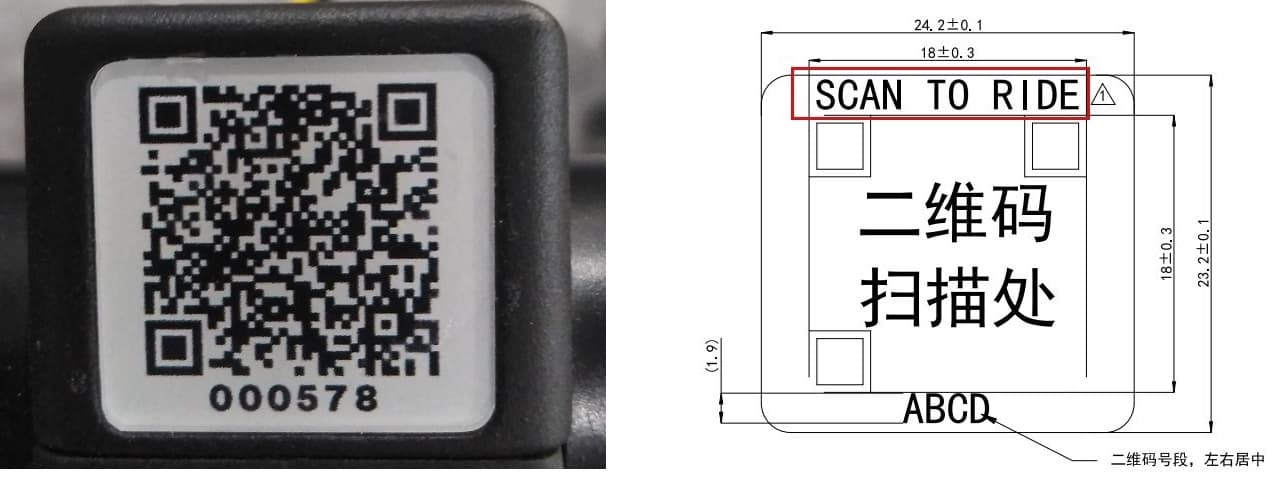
Use a plastic pry tool to lift the QR code sticker from the edges. Replace with the new QR code and press firmly to adhere.
For ES Scooters
On ES scooters, the QR code holder is secured with screws and can be removed by unscrewing it.
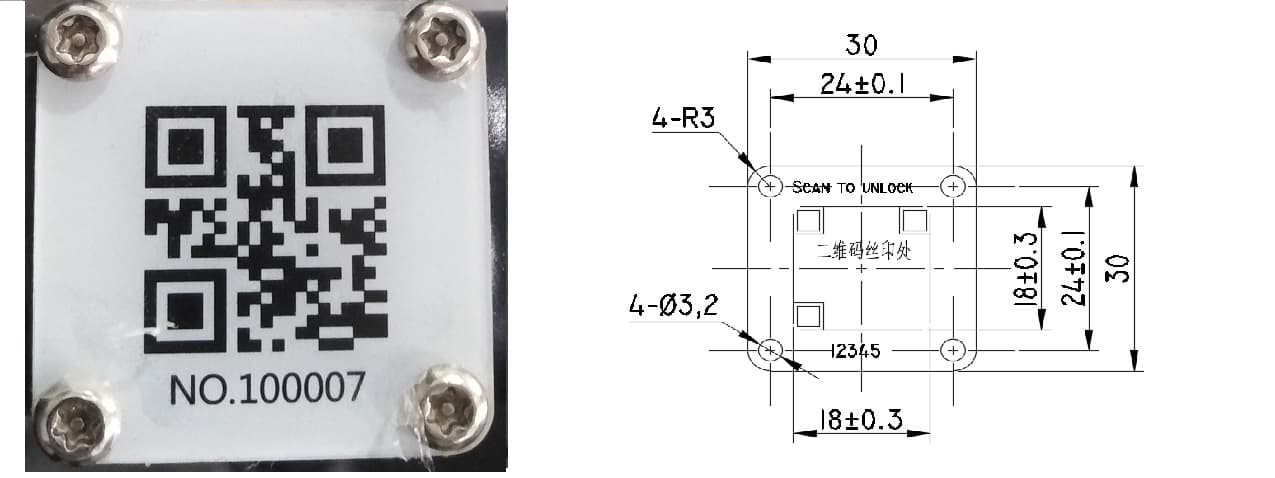
Remove the screws, swap the QR code insert, and reattach.
Changing the QR Code via Dashboard
If you need to associate a different QR code with a scooter in the software:
- Log in to the Segway Dashboard
- Navigate to Scooters > Vehicle Activation
- Find the scooter and click Change QR
- Enter the new QR code value and confirm
See the Vehicle Activation video tutorial for a step-by-step walkthrough.
Running a fleet on this hardware?
Levy Fleets runs scooters, e-bikes, mopeds and golf carts on the IoT hardware you already have, with integration pages for 29 vendors including Segway, Okai, Omni, Queclink, Invers and Comodule. Keyless unlock, geofencing, rider payments and rider support are included, and the Managed plan is a share of revenue with no per-vehicle software fee.