Firmware Upgrade via Dashboard
The Segway Dashboard provides an Over-the-Air (OTA) firmware upgrade feature, allowing you to update your scooter fleet without physical cable connections. This is the recommended method for updating multiple scooters at once.
This tutorial applies to Segway Pass, Rent Pass, and Dashboard API users.
Prerequisites
Before upgrading firmware:
- Make sure the scooter is online (OTA requires an active IoT connection)
- Confirm you have the latest firmware version - check the Latest Firmware Version guide
- Follow the correct upgrade sequence: IoT firmware first, then BMS (battery), then Display, then Controller
Step-by-Step: Upgrade via Dashboard
Step 1: Open the Segway Dashboard at https://dashboard.segwaydiscovery.com
Step 2: Enter your credentials (platform code, username, and password)
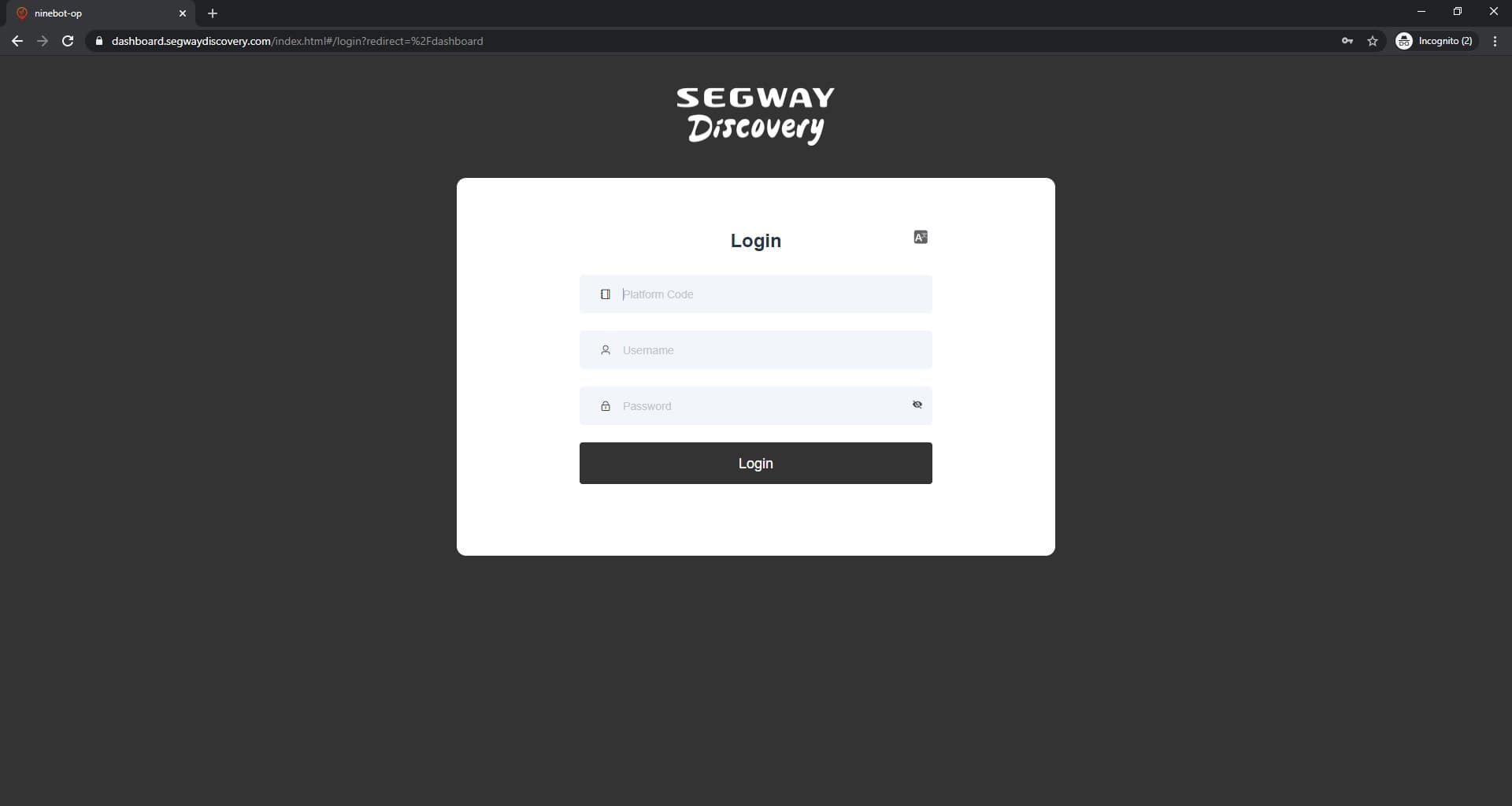
Step 3: Navigate to Scooters > Firmware Upgrade
Step 4: Select the scooters you want to upgrade. You can filter by model, IoT type, or current firmware version.
Step 5: Select the target firmware version from the dropdown
Step 6: Click Upgrade and confirm
Step 7: Monitor the upgrade progress. The dashboard will show each scooter's upgrade status in real time.
Upgrade Sequence (Important)
Always follow this order to avoid issues:
- IoT firmware - upgrade first (if applicable)
- BMS (Battery) - upgrade after IoT
- Display - upgrade after BMS
- Controller (Driver) - upgrade last
Upgrading out of sequence can cause errors or require a rollback.
Troubleshooting
- Scooter shows offline during upgrade: The scooter may have disconnected. Wait for it to reconnect and retry.
- Upgrade stuck at a percentage: Try canceling and re-initiating the upgrade.
- Firmware version not available: Contact Segway support to obtain the correct firmware file.