Quick Start Guide
Get riding in 4 simple steps.
1. Sign Up
Download the App
Search for the app in the App Store (iPhone) or Google Play (Android) and install it.
Enter Your Phone Number
Open the app and enter your phone number. You'll receive a 6-digit code via text.
Add Funds
Go to the Wallet tab and add funds with a credit or debit card. You'll need a balance to start a ride.
Auto Top-Up
Turn on Auto Top-Up in your wallet settings so you never run out of funds mid-ride.
2. Find & Unlock a Vehicle
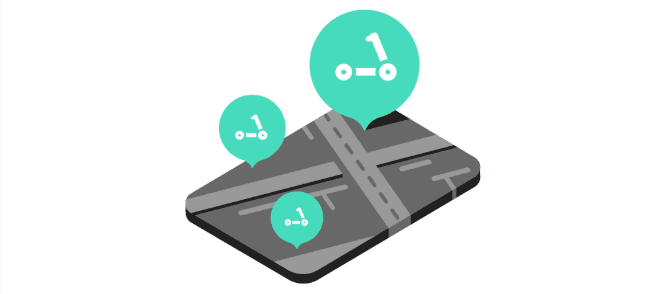
Open the app and look for vehicle markers on the map. Tap one to see its battery level, distance, and pricing.

Walk up to the vehicle and tap Scan to scan the QR code. You can also tap Enter Code and type the vehicle number manually. Review the pricing, then tap Unlock.
3. Ride

Give the scooter a kick-push to start, then gently squeeze the throttle to accelerate.
| Control | How |
|---|---|
| Accelerate | Squeeze the right-hand throttle |
| Brake | Squeeze the left-hand brake lever |
| Headlight | Tap the headlight icon in the app |
| Pause ride | Tap Pause to lock the vehicle while you step away |
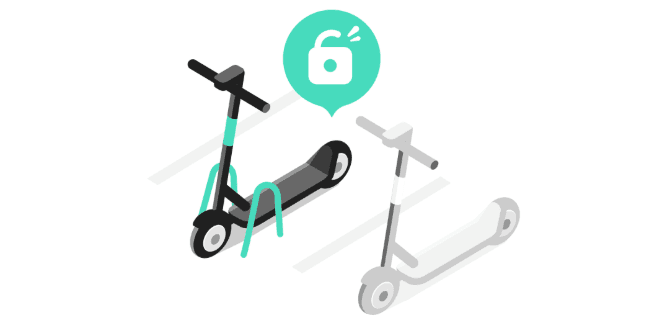
Need to stop for a moment? Tap Pause in the app to lock the vehicle. Tap Resume when you're ready to continue.
Stay Safe
Ride in bike lanes or on the road — not on sidewalks. Always follow local traffic rules and watch for pedestrians.
4. End Your Ride
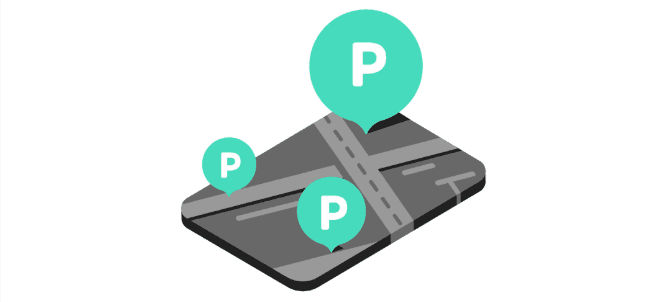
Check the map for parking zones and park the vehicle upright, out of the way of pedestrians.
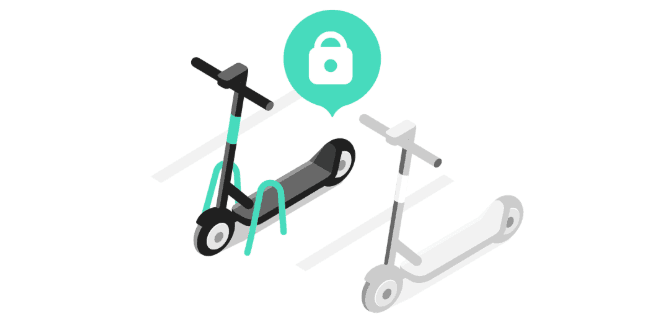
Tap the red End Ride button in the app. The vehicle will lock automatically.

Snap a quick photo of the parked vehicle to confirm it's properly parked. You'll see a receipt with your ride time, distance, and cost.
Earn Rewards
Park in preferred zones to earn bonus loyalty points toward free unlocks and discounts on future rides.
Need Help?
Tap Support in the app menu to:
- Browse FAQs for quick answers
- Email us with any questions
- Call us for urgent issues
For a more detailed walkthrough of all app features, check out the full Mobile App Guide.